In this guide
Identification
wallet.dat files after a death
A wallet.dat file: the Bitcoin Core wallet file that is often unencrypted by default, how to preserve it and which client it needs.
A wallet.dat file is the wallet file used by Bitcoin Core and several other Bitcoin-family clients (for example Litecoin, Dogecoin and Dash). The formats are not all identical, so identify the software and version before assuming compatibility. If you found one on a computer, drive or backup after a death, you found something genuinely important, and genuinely easy to destroy by accident.
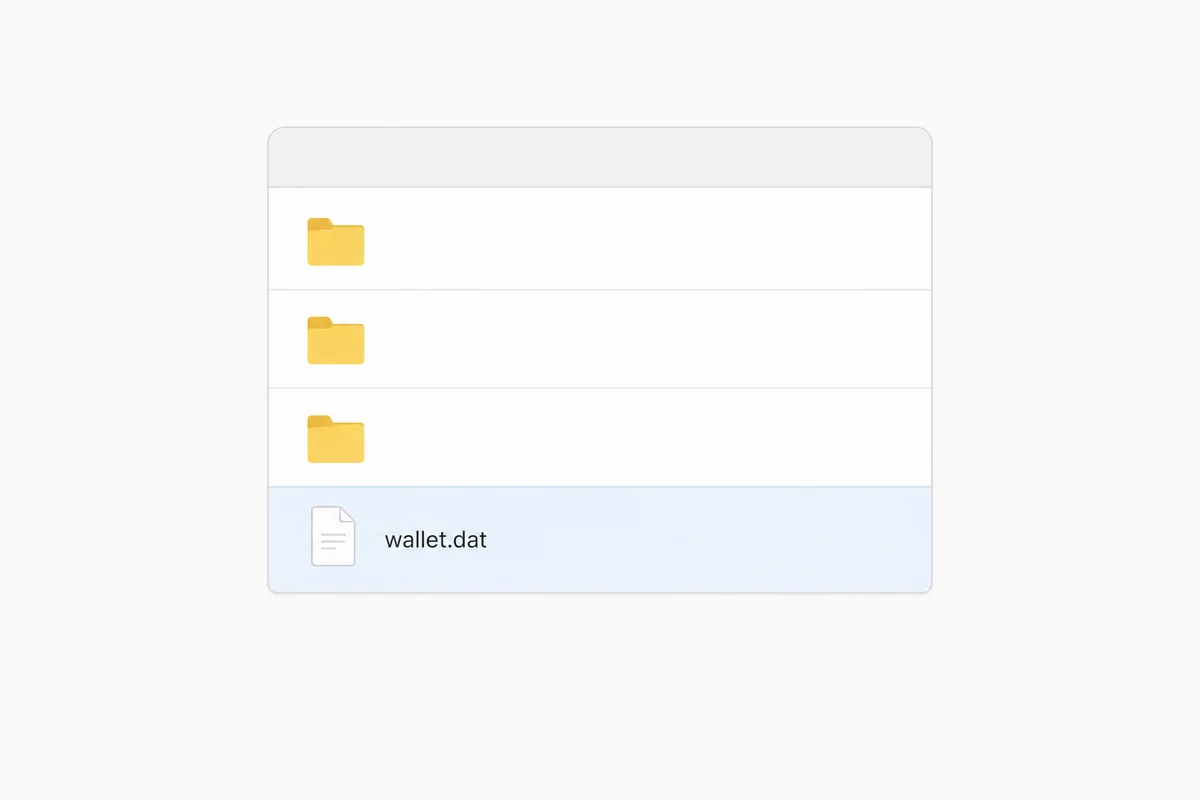
What wallet.dat actually is
- A wallet.dat is a Bitcoin Core wallet file; what it contains depends on the wallet version and configuration. It can contain private keys, but watch-only and other wallets without usable private keys also exist. Treat every found wallet file as sensitive and preserve it unchanged, but do not assume that the file by itself proves spendable keys or crypto are present; have the wallet type and contents established safely first. According to the official Bitcoin Core documentation, it is not encrypted by default, which makes it highly sensitive.
- A wallet.dat may or may not be protected with a password. That cannot simply be inferred from how old the file is. Treat every wallet.dat you find as sensitive until it has been safely established how the wallet is set up and which details are needed for access.
- It is not a “statement” or a proof of balance. A visible balance in wallet software proves nothing about who may act, see why a visible wallet balance does not prove access or ownership.
The empty-wallet trap
Loading the wrong wallet, creating a new wallet, or viewing a wallet that has not yet been correctly scanned or synchronised can show an empty or incomplete picture; a zero balance therefore does not automatically prove that the found historical wallet file contains no relevant data. The official documentation even warns that wallets must be backed up with the wallet’s own tools to get a safe copy. For an estate, the rule is simpler: do not open anything, and do not let anyone else “check” the file.
How to preserve it
- Leave the file and its device exactly as found. Do not move, rename, decrypt or copy carelessly. Do not open the original file directly in wallet software. First establish which wallet client and format it belongs to, and only then, when investigation is needed, work on a controlled copy in a suitable, predefined environment.
- Do not update the Bitcoin Core installation, do not let it sync, and do not click “repair” or “rescan” prompts.
- Do not upload the file to an unknown or unsecured service that offers to “check” it. Do not open the original file directly; first identify the coin, wallet client and relevant version, then, after authority is confirmed, work where possible with a controlled copy in a predefined compatible environment. If specialised technical recovery is needed, agree in advance in writing what material is necessary and how it will be processed securely.
- Record only that you found it, where, and when, see chain of custody.
What to do with it
- Access depends on the wallet type. A
wallet.datcan be watch-only or work with an external signer; the file and any password then do not provide signing access on their own. The wallet file is used by Bitcoin Core and similar Bitcoin-family programs (Litecoin, Dogecoin, Dash and more). - When the estate is ready (authority confirmed, password found): first determine which wallet client and version are appropriate, and work where possible with a controlled copy in a predefined compatible environment. In an encrypted Bitcoin Core wallet, the password protects the private-key material; other wallet information, such as transactions, can still be readable. The password is required for actions that need the private keys, if the file is encrypted; a backup made without a password can open without one.
- The classic mistake: loading the wrong wallet, creating a new wallet, or viewing a wallet that has not yet been correctly scanned or synchronised can show an empty or incomplete picture; a zero balance therefore does not automatically prove that the found historical wallet file contains no relevant data.
- If the file is unencrypted (the default in Bitcoin Core), no password is needed; the file can contain the secret key material, so treat it as sensitive and keep it protected. If it is encrypted and the password is missing: read what is realistically possible in wallet recovery.
- Until authority is confirmed, do not open the file, do not let the software sync, and record only that it exists.
What happens next
- Confirm what else exists: passwords, passphrases, other backups, notes. See wallet passwords and passphrases.
- Confirm legal authority before anyone touches the wallet, see legal authority vs technical access.
This page covers one format. For the general identification flow, start at what did you find.
For the index of the wallet formats covered in this library and its deep guide, see the wallet format library.
Sources and useful links
- Bitcoin Core, managing wallets (wallet.dat backup and restore)Source accessed: 2026-08-08