In this guide
Identification
Ethereum keystore files (UTC--) after death
An Ethereum keystore (UTC--) file: the encrypted private key plus its password, how to preserve it, and why only the official route should ever import it.
An Ethereum keystore (or “JSON”) file is an encrypted copy of a private key, usually created by MyEtherWallet or similar tools. Files of this type typically have names starting with UTC-- followed by a timestamp and an address. Finding one after a death means it can be access material for an Ethereum account that may have been used on Ethereum and possibly other compatible networks; therefore, do not check only one network before concluding that nothing is present. The password is as important as the file.
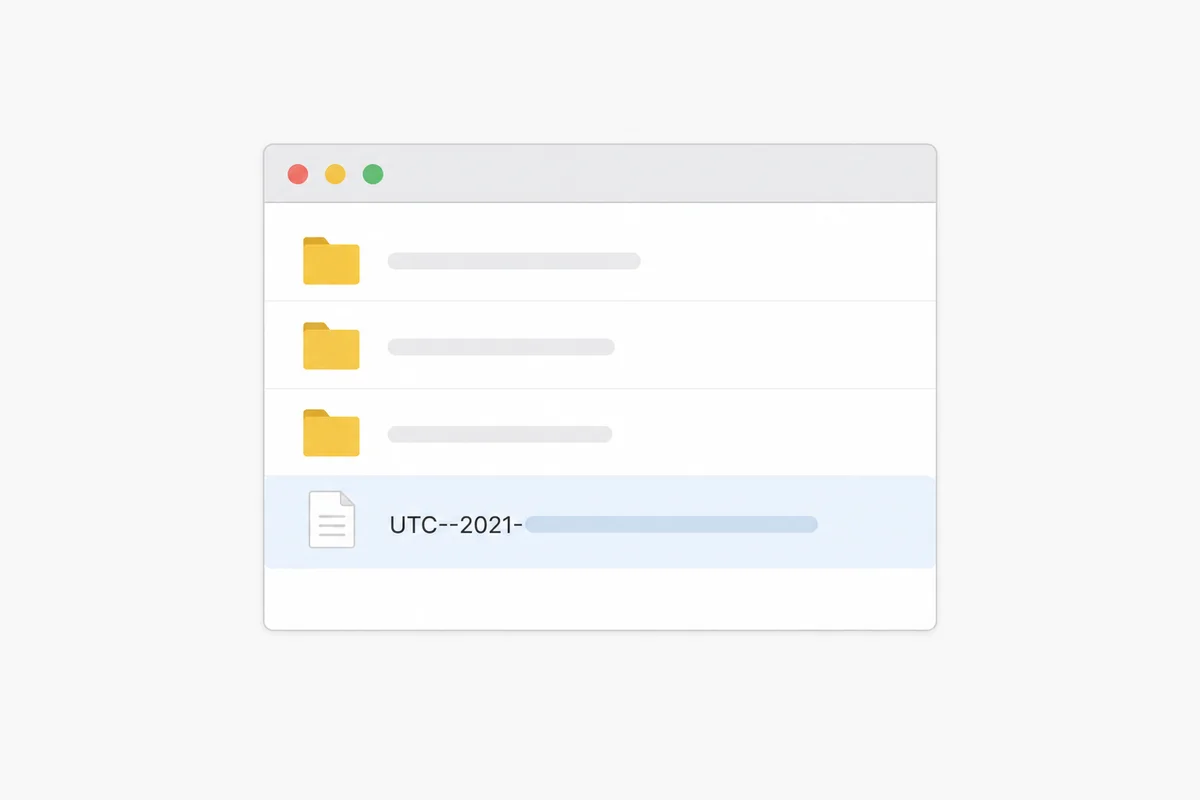
What the file actually is
- Per MyEtherWallet’s own documentation, a keystore file holds an encrypted version of the private key, protected by a password chosen when it was created.
- Without the password, the file alone is generally not usable, although recovery may be possible in some cases depending on password strength. Treat it as locked until proven otherwise. With the file and the correct password, the associated private key can be decrypted. Whether that key alone is sufficient to move certain assets depends on the account, wallet or contract configuration; keep the file and the password each protected and do not send them through ordinary or unsecured channels. If specialised technical recovery is needed, agree in advance in writing what material is necessary and how it will be processed securely.
- MyEtherWallet itself advises that keystore files are not a recommended way to access a wallet, a caution that matters doubly after a death, when nobody can answer for mistakes.
A correct account can look empty on the wrong network
The key can be decrypted correctly, while the wallet interface is on a different network or without the relevant tokens and therefore shows no expected balance; wrong software or settings can also show an empty picture even when the assets are intact. An empty screen proves very little. Similarly, fresh software can create a new, empty account that looks related but is not the found one. Preserve everything and conclude nothing from a first glance.
How to preserve it
- Leave the original file on its original medium. Do not upload it to an unknown or unsecured service that offers to “check” or “help” with it. After authority is confirmed, work where possible on a controlled copy with suitable, verified software. If specialised technical recovery is needed, agree in advance in writing what material is necessary and how it will be processed securely.
- Keep the file and any written password securely and appropriately; it can be sensible not to keep them together unprotected. Use the file and password offline, in a controlled offline environment with suitable, verified software that supports this type of keystore; do not enter either into an online service or website, even an official one, and never into a website, app or message that asks for them to “help” or “verify”.
- Record only that you found a keystore file, where, and when, never its contents.
What to do with it
- Access is typically the file plus its password. The keystore file alone is unusable; the password unlocks the associated private key. Whether that key is sufficient for a specific transfer depends on the account, wallet or contract configuration. Keep them securely and appropriately, and enter them only in a controlled offline environment with suitable, verified software that supports this type of keystore, not on a website.
- When the estate is ready (authority confirmed, password found): the file is opened in an Ethereum wallet program, MyEtherWallet or another program that supports keystore files. The program asks for the password, and the password unlocks the wallet.
- The classic mistake: viewing a correctly decrypted key through an interface on a different network or without the relevant tokens shows an empty wallet even when the assets are intact; never conclude “there is nothing” from an empty first screen.
- If the password is missing: a standard keystore file is always encrypted, so the password is required (read what is realistically possible in wallet recovery). If the file turns out not to be encrypted, it is not a keystore; it is a plain private key, and the file itself is the secret.
- Until authority is confirmed, leave the file exactly as found and record only that it exists.
What happens next
- Identify what else exists, see what did you find.
- Understand passwords and passphrases, see wallet passwords and passphrases.
- Confirm legal authority before anything else is attempted, see legal authority vs technical access.
For the index of the wallet formats covered in this library and its deep guide, see the wallet format library.
Sources and useful links
- MyEtherWallet Help, what is a Keystore/JSON file?Source accessed: 2026-08-08